

Why I made this
I started this post because I keep seeing creators hunt for reels that look fresh but take too long. AI is giving us new ways to draft, edit, and polish video fast. I want to show you how to use that without losing your voice. If you crave less grind and more wow in your Reels, this is for you.
Who it’s for
If you post on Instagram and care about growth, this will help. This fits creators, small teams, and solo marketers who want to keep pace with trends. You want content that feels real, clear, and useful to your audience. If that sounds like you, keep reading.
What you’ll get
You’ll learn practical ways to use AI with video. We cover planning, quick edits, captions, and posting rhythm. The advice stays simple and doable, not busy work. You can try small changes this week and see what sticks.
How it works in real life
For example, an AI tool can suggest a hook that fits your niche. It can turn a rough idea into a short script and rough cut. It can add captions in the right place and pick quick transitions. Then you add your own flair, color, and tone.
Play it safe
AI helps, but your voice matters. Test ideas, then watch what your audience does. Don’t rely on AI alone. Use it to speed up work and keep your style.
Next steps
Here is what you can do this week. Pick one Reel idea and run it through an AI prompt. Edit, add a personal touch, post, and track what changes. Share what you learn so we can all grow.
1. Personalized Content Creation
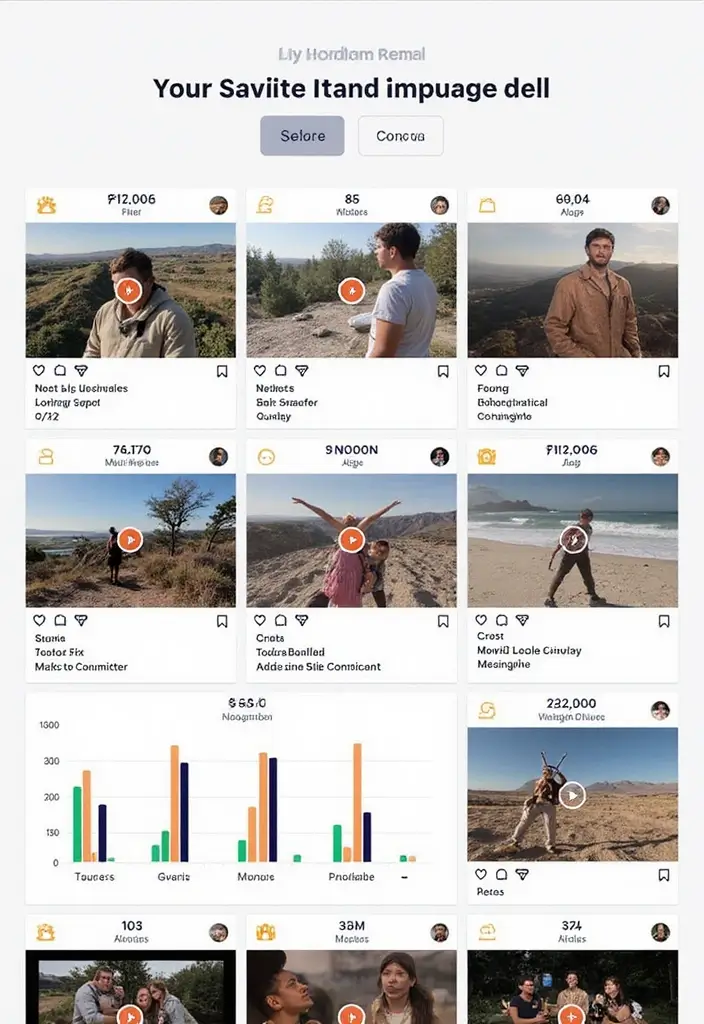
You want Instagram Reels that fit what your audience loves. AI scans how viewers react and helps you plan from the first frame. With this plan, you pick topics, styles, and stories that grab attention.
– Analyze past engagement: Use tools that study who watched, liked, saved, and shared. They show patterns to help you choose themes and openings that pull in viewers.
– Experiment with formats: Try quick tutorials, behind‑the‑scenes clips, or light humor. See what sticks and what falls flat.
– Refine with data: Look at watch time, repeats, and saves. Tweak length, pace, captions, and the hook based on what you see.
Here is why this matters: when you know what your fans enjoy, you can plan future Reels in minutes, not hours.
Let’s break it down: if the data shows people love fast tips, make 15‑second clips with a bold opening. If they like jokes, test short skits with a clear setup.
Limits: data needs time. Start with a few solid signals, watch for bias, and avoid chasing one trend.
Here is what to do next: set a simple weekly test. Try two formats for two weeks. Track watch time and saves. Use a strong hook in the first three seconds. Keep captions short and clear.
Building content that speaks to your audience helps you grow a loyal following. Keep listening to viewer signals and adjust.
| Feature | Description | Next Steps |
|---|---|---|
| Personalized Content Creation | AI analyzes viewer engagement to help plan Reels that resonate. | Set weekly tests to try different formats. |
| Enhanced Editing Tools | Tools like InVideo and Magisto provide auto-cropping, color tweaks, and real-time previews. | Choose a tool, select a template, and export in the correct format. |
| AI-Generated Captions | Tools like Kapwing and Descript auto-generate captions that sync with videos. | Try captioning one reel this week and track engagement. |
| Smart Analytics | Analytics tools provide insights on viewer behavior and content performance. | Review top Reels weekly and adjust strategies based on findings. |
| Automated Posting | Tools like Later and Planoly help schedule posts for optimal engagement. | Batch create content and check performance regularly. |
| Trend Analysis | AI identifies emerging trends to keep content relevant. | Test one trend per week and measure performance. |
| Monetization Opportunities | AI helps identify potential sponsorships and affiliate marketing paths. | Create a media sheet for sponsors and disclose paid posts. |
2. Enhanced Editing Tools

Are you chasing faster edits for Instagram Reels that still look sharp? These smart editing tools can cut the busy work and keep your focus on your story. You get cleaner cuts, better pacing, and fewer headaches. You’ll see the difference in a single pass from rough clips to polished reels. Your audience will notice the flow and the clarity.
What you get with enhanced editing tools
– Auto crop and framing built for vertical Reels, so your subject stays centered on small screens.
– One-click color and exposure tweaks that lift dull clips into bright, even looks.
– Auto sync of audio to beats and dialogue keeps rhythm without fiddling.
– Real-time previews let you test edits and adjust lighting, color, and cuts on the fly.
– Ready-made presets and templates from InVideo and Magisto speed up fresh reels.
– Smart quality boosts push dim scenes toward clarity while keeping skin tones natural.
These features save time and still respect your voice. You can mix quick edits with thoughtful moments and your message stays clear. Real-time previews help you spot issues before you post.
Next steps
– Step 1: Choose a tool like InVideo or Magisto and turn on auto crop.
– Step 2: Pick a short template that fits your style and plan the cut.
– Step 3: Preview, tweak lighting and sound, then export in 9:16 at 1080 by 1920.
– Step 4: Post and watch how smoother edits boost engagement.
3. AI-Generated Captions

Captions can save you time, make your clips more friendly to everyone, and help your reels reach more people. With the right tool, you add them fast and keep the video flow smooth. Here is a simple plan you can start today.
1) Quick captioning tools Kapwing and Descript can auto generate captions that sync with your video. You can tweak the timing in a few taps to lock captions to the beat.
2) Choose the right style Pick a tone that fits the reel—playful for fun clips, clear for how‑tos, or warm for stories. Keep captions short and highlight key tips or steps.
3) Keep it readable Use a bold font with high contrast and short lines. Let each line stay on screen long enough to read, and avoid crowding.
4) Make it accessible and discoverable Captions help mute-watchers and improve how reels appear in search and feeds. You can weave natural keywords into captions without making it feel forced.
5) Set up in steps Export a caption file like SRT and add it to your reel. If your tool can show live captions, turn them on and do a quick check before posting.
Next steps: try captioning one reel this week and note changes in views, saves, and comments. Start small, then grow your captioning routine as you gain confidence.
4. Smart Analytics
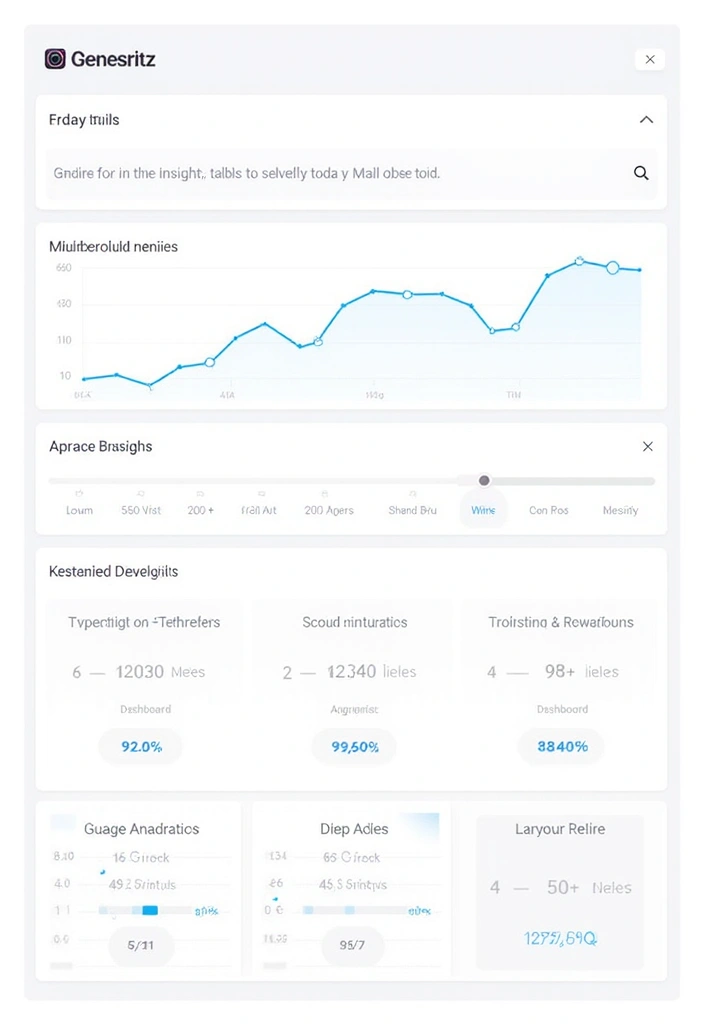
Facing a crowded feed, you need real clues about what clicks. Smart analytics give you those clues in simple, practical terms. Here is why it helps you win on Reels.
– You learn which Reels shine. You see what gets views, saves, and shares, and what makes people scroll away. You also notice who watches, where they live, and how old they are. This helps you plan more videos that fit your audience.
– You spot where viewers drop off. If many people drop after the first few seconds, you know to tighten the start. If they stay longer on certain topics, you can lean into those. Use this to shape your next video from start to end.
– You catch audience habits. See when your crowd is online, which formats they like, and how long they watch. This helps you decide when to post, how long your clips should be, and which styles to try.
Here is why you should use trusted analytics tools. – Look at Reels dashboards from tools like Hootsuite or Buffer. These give fast, clear reports. – Use the numbers to adjust posting times, video length, and presentation. – Keep an eye on trending topics or challenges and ride the wave with your own twist.
Next steps. Set a weekly check to review your top 5 Reels, note patterns, and test one small change. Then measure what shifts. With steady tweaks, your content will feel more relevant and engaging to your audience.
5. AI-Driven Storytelling
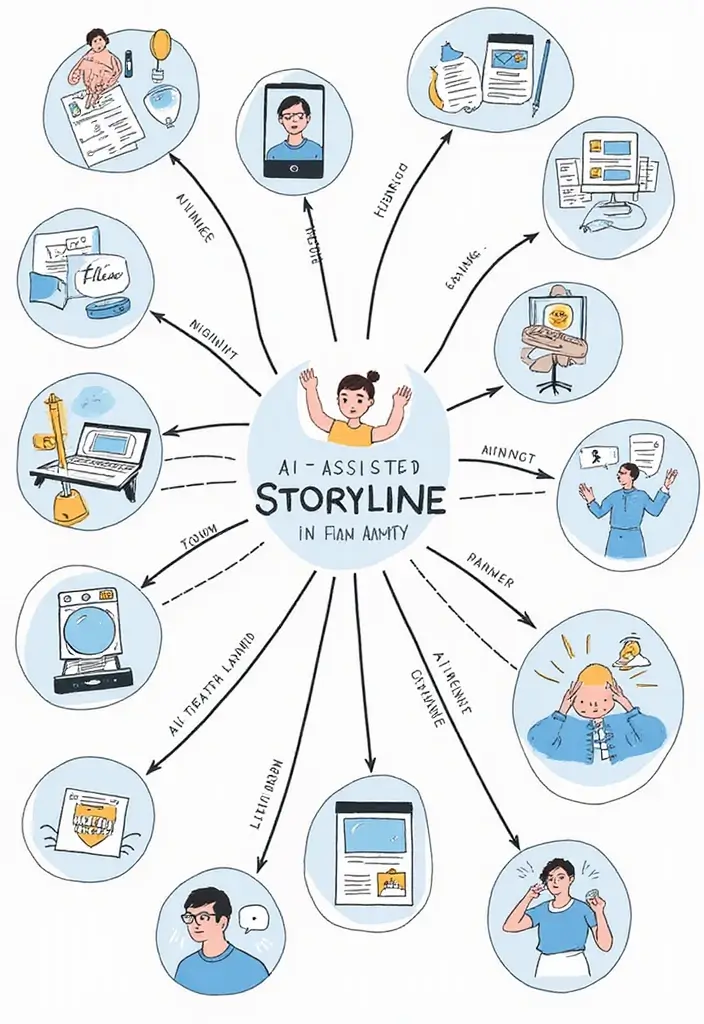
You want Reels that grab attention and keep it. AI storytelling can map plots that fit your niche and move viewers from the first frame to the end. This section shows steps you can use. Start with templates, test styles, and ask your audience to weigh in.
– Templates that work AI uses data from successful Instagram Reels to make story templates. Start with a beat: hook, build, payoff. The AI nudges pacing and line length so your message lands.
– Experiment with styles Experiment with styles. Try humor, clear lessons, or a soft emotional moment. Compare watch time and comments to see what sticks best.
– Audience input Audience input. Invite followers to vote on storylines. Post two quick options and reveal the winner in the next reel for fun.
– Keep it tight Keep it tight. Use short lines and clear images. Quick cuts and strong verbs lift the tale for easy viewing.
– Own your voice Own your voice. AI can spark ideas, but your voice wins trust. Speak directly and show your personality to fans.
– Measure and iterate Measure and iterate. Track watch time, saves, and comments. If one arc works, reuse it with new visuals in future.
Next steps: test two short scripts this week, compare results, and refine your approach. Your audience will notice the difference.
6. Automated Posting and Scheduling

Automate your reels for steadier reach
You want consistent posts without wasting time. Smart posting tools can take care of timing so your videos show up when your followers are online. That means less stress and a more reliable feed.
– Use Later, Planoly, or other scheduling apps to auto post your Instagram Reels.
– Check your engagement data to learn the best times to post on Instagram Reels for your audience.
– Build a simple weekly content calendar from those insights so your videos land at the right moments.
With automation, you can keep ideas flowing while the system handles the clock.
Here is why it helps you move faster. You reach more people, stay visible, and save mental space for ideas and filming.
Next steps
– Batch create several reels in one filming session. This gives you a full library to schedule.
– Mix evergreen posts with timely clips so your feed stays relevant.
– Check performance every couple of weeks and adjust posting times if needed.
Automation does not replace good content. It simply frees time so you can lead with strong ideas and quick replies.
Automate your reels for a steadier reach! Scheduling tools can help you post when your audience is online, reducing stress and maximizing engagement. Consistency is key to building a reliable feed!
7. Audience Interaction via AI
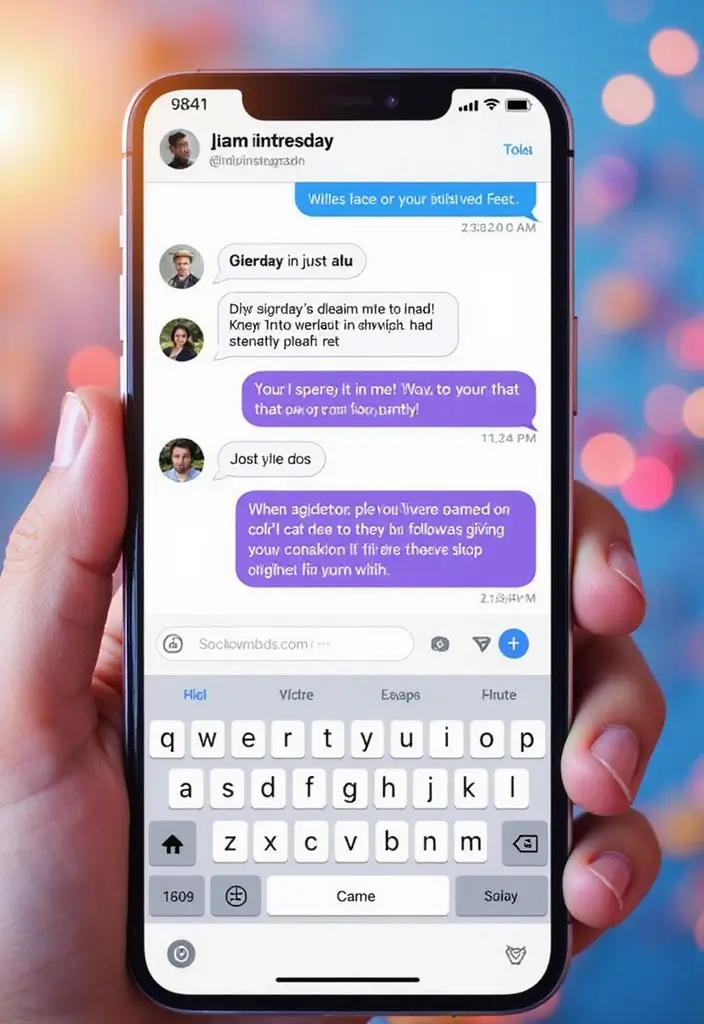
You want people to talk back and stay. You want replies that come fast and feel warm. AI tools can help you do both.
How AI boosts audience interaction
– Use AI in DMs to greet followers, answer simple questions, and guide them toward your latest Reels. Keep the messages short and friendly. A quick ping can turn a casual viewer into a part of your community.
– Let user input shape your next moves. Run polls and questions in Stories. The AI reads what fans say and highlights common topics. Use those ideas to plan your next Reel.
– Create Reels that invite replies. End with a clear prompt like “Comment your pick: A, B, or C.” The AI sorts the replies and pulls the top ideas you can turn into a new video. This helps you stay in step with what viewers want.
Here is a practical example you can try. A small cafe asks fans to pick next week’s flavor. Viewers vote in a Story poll. The AI finds the most asked-for flavors in the comments. You craft a Reel around the top choice and post a quick follow-up showing the result. Viewers see their words in action, and their trust grows.
What you can start today
– Set simple DM templates. Create a friendly greeting, a quick answer to a common question, and a nudge to watch the latest Reel.
– Post one or two interactive Reels each week. Include a simple call to action for comments.
– Review a week of replies. Note two ideas you can test in your next Reel.
Limitations to keep in mind
– Not every follower will reply. Use this as a guide, not a rule.
– Bots can feel cold if overused. Blend AI responses with human touches.
Next steps. Try a 60-minute setup this week. Run a quick poll. Look at what the results show in a week, and adjust your plan.
8. Trend Analysis and Adaptation
Your problem is simple: you want your Reels to stay seen. AI helps you spot what’s next before it fades. It reads data from Instagram and the wider web and shows you what your audience will care about soon.
Here is why you should act on trends fast:
– You can spot rising topics, fresh sounds, and hot challenges with tools like TrendSpottr and Google Trends.
– Set up quick alerts and a simple weekly digest so you know what to try next.
Let’s break it down with a practical approach:
– Adjust your video style to fit the trend. Try faster cuts, brighter visuals, or a playful tone.
– Pick topics that match the trend but stay true to your niche.
– Use the trending audio and relevant hashtags to boost discovery.
Next steps:
– Plan a small trend test each week. Pick one trend to try in a single Reel.
– Create a short hook, a brief middle, and a clear ending to tell your story fast.
– Post within 24 hours of spotting the trend, then note how it performs.
Be honest about limits:
– Trends fade quickly. Focus on 2 or 3 that fit your audience.
– Do not copy the whole trend. Add your own spin so it feels like you.
Measure what matters:
– Track saves, shares, and comments to learn what works.
– Use that insight to guide your next trend shot.
Spotting trends is like surfing the perfect wave—catch it early, and your AI-driven video content can ride the tide of engagement before it fades away!
9. Visual Effects and Enhancements

You want Instagram Reels that grab attention without a long editing session. Here is how visual effects can help you win more views.
Practical visual tips
– Try apps like Lifelapse and Recut. They add catchy effects designed for Reels, so you get a polished look without deep software skills.
– Experiment with 3 visual themes that fit your brand. Play with color tweaks, simple animations, and motion transitions. A calm blue palette might feel trustworthy; a bright pop color can feel playful.
– Keep your audience in mind. Think about what grabs attention in the first seconds and what helps your story flow. A quick glow around the subject or a clean lower-third caption can guide viewers.
Using AI driven visual tweaks can lift the look of your clips and make them more enjoyable to watch. Here is why that matters: better visuals keep people on your reel longer and invite more taps, shares, and comments.
Next steps
– Pick one app and create a 15 to 20 second reel with one theme. Post it and note what gets the most reactions.
– Try a second theme and compare. Small, deliberate tests beat guesswork.
– Avoid overdoing effects. A subtle touch often works best and keeps your message clear. With practice, you’ll learn what enhances your story without stealing the show from your message.
“Transform your Instagram Reels with just a few clicks! A catchy visual effect can elevate your content and draw in viewers without the hassle of complex editing.”
10. Monetization Opportunities

You want real earnings from your Instagram Reels without losing your vibe. AI helps you spot good monetization paths fast. It helps you read your viewers and see what brands care about. You get ideas that fit your style and your story.
Here is why this works. You stay in your lane, but you share value with friends and brands at the same time. You keep trust. And you earn more as your reach grows.
Next steps you can use today:
– Use analytics to show sponsors who you really reach. Pull your audience ages, where they live, and the posts that spark the most comments. Put this in a simple one-page media sheet you can send to brands.
– Create branded content that feels natural. Tie a product into a scene that matches your Reels days. If your clips are upbeat, show the product in a quick, real moment—not a table ad.
– Try affiliate links with care. Pick products you already love. Mention a short code in your caption or a quick screen shot in the video.
– Build a lean pitch. Add a short note on what you post best, who you reach, and a few top posts. Keep the deck simple.
– Be clear about paid posts. Disclose them openly to keep trust with your audience.
With these moves, you can turn creative work into steady earnings while you keep fans entertained.
Unlock your earnings with AI-driven video content! By understanding your audience and aligning with brands, you can share value while staying true to your vibe. It’s a win-win for your creativity and your wallet!
Conclusion
AI-driven video content is undeniably reshaping Instagram Reels, offering creators innovative tools to amplify their audience engagement.
With personalized content, smart analytics, and enhanced editing tools, the future looks bright for those ready to embrace these advancements.
It’s time to take advantage of these trends and elevate your content creation journey!
Frequently Asked Questions
How Can AI-Driven Video Content Improve My Instagram Reels?
AI-driven video content can drastically enhance your Instagram Reels by providing personalized content creation tailored to your audience’s preferences. It analyzes viewer reactions and helps you choose topics and styles that resonate. This means more engaging content that captures attention from the very first frame!
What Are the Best AI Tools for Editing Instagram Reels?
If you’re looking for faster edits without compromising quality, consider using AI-powered editing tools. These tools streamline the editing process, providing cleaner cuts and better pacing so you can focus on storytelling. Popular options include apps that offer automated editing features, making your Reels shine with minimal effort!
How Do AI-Generated Captions Enhance Audience Engagement?
AI-generated captions can significantly boost your audience engagement by making your content more accessible. They save you time and ensure that your clips are friendly to everyone, improving reach. With the right AI tools, you can add captions swiftly, allowing viewers to enjoy your Reels even with the sound off!
What Role Does Smart Analytics Play in Creating Successful Instagram Reels?
Smart analytics provide invaluable insights into what works and what doesn’t on Instagram. By analyzing data, you can discover which Reels resonate with your audience and refine your strategy accordingly. This means you can focus on creating content that truly engages your followers, leading to increased visibility and success!
Can AI Help Me Identify Trends for My Instagram Reels?
Absolutely! AI tools can analyze data from Instagram and the broader web to spot emerging trends. This allows you to adapt your content quickly and stay relevant, ensuring your Reels remain visible. With AI, you can stay ahead of the curve and keep your audience engaged with fresh and trending topics.